Electrical Repairs Every DFW Renter Should Know
- Mi Let Go
- Apr 28
- 4 min read

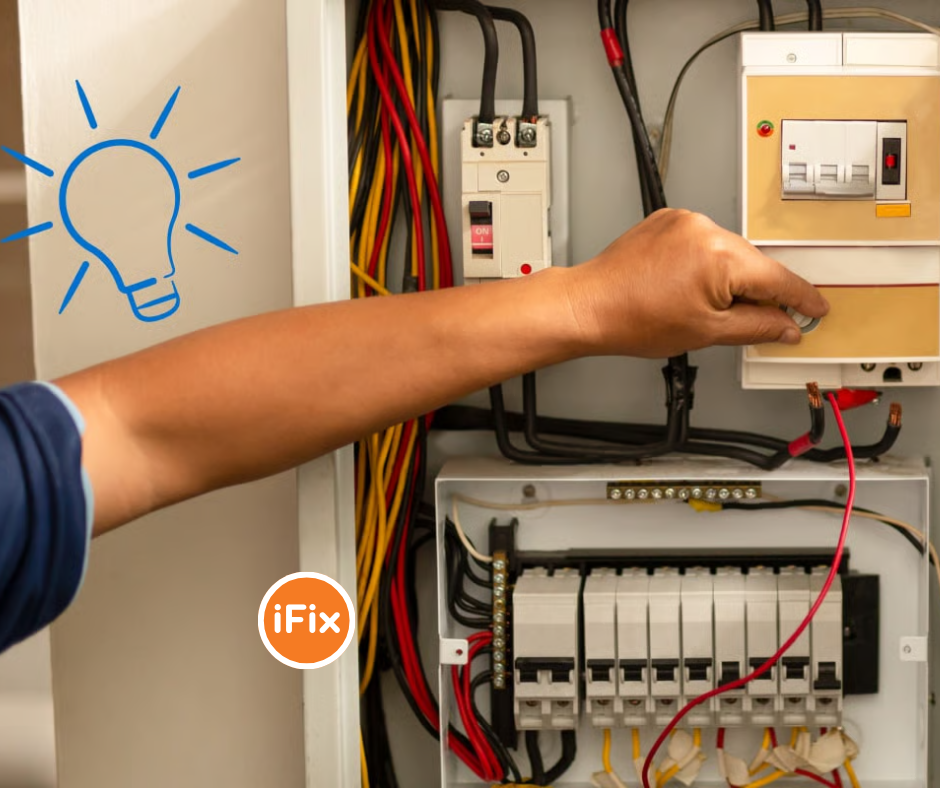
Renting in the Dallas–Fort Worth area comes with a lot of perks — no lawn to mow, no roof to re-shingle. But when the lights flicker during a summer storm or an outlet stops working in your Uptown apartment, waiting on a slow landlord isn’t always an option.
Tackling basic electrical repairs isn’t necessarily dangerous, as long as you know what you’re doing and where the line is. This is part one of our “What Every DFW Renter Should Know” series — a practical breakdown of the electrical jobs you can confidently handle yourself, and the ones you should always leave to a licensed electrician.
“DFW’s extreme heat pushes home systems harder than almost anywhere else in Texas. A tripped breaker in July isn’t just an inconvenience — it’s an emergency.”
Why Electrical Issues Hit DFW Renters Hard
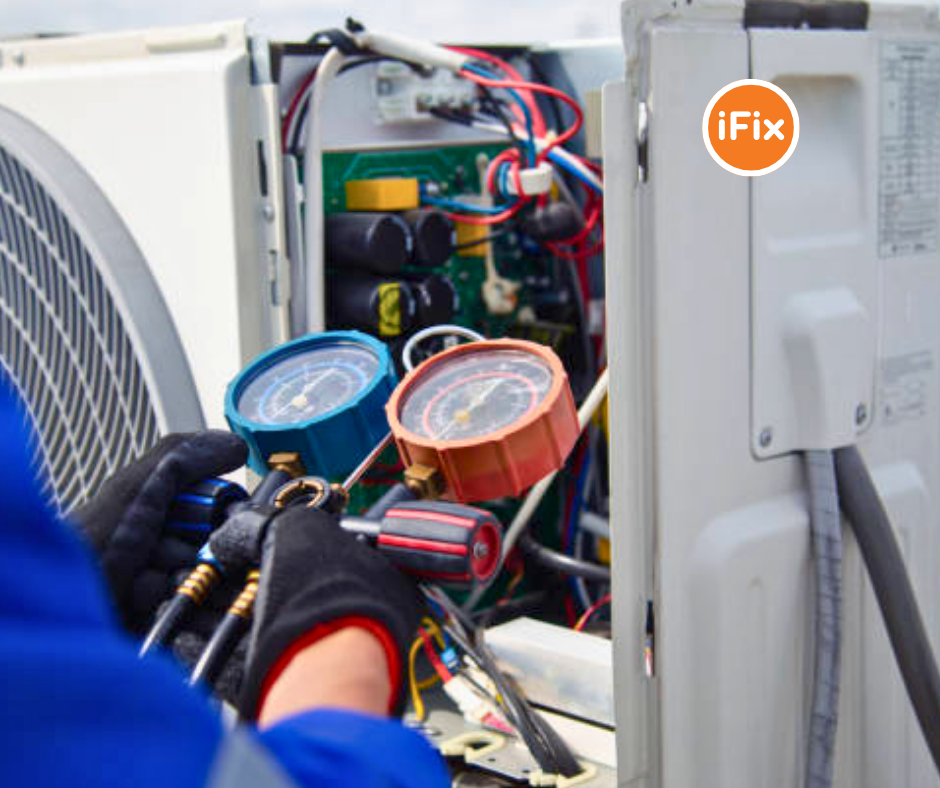
The Metroplex runs hot. Summer temperatures regularly exceed 100°F, and the demand that places on HVAC systems — especially in older rental stock around Oak Cliff, Garland, and East Fort Worth — means circuits get stressed in ways renters in cooler climates rarely deal with. Add in the occasional ice storm (yes, really), and you’ve got a recipe for electrical headaches year-round.
Many DFW rentals, particularly those built in the 1970s–1990s, still have electrical panels and wiring that weren’t designed for today’s load of devices, smart home gear, and always-on appliances. Knowing how to respond quickly when something goes wrong is a real skill here.
Repairs You Can Do Yourself
1. Reset a Tripped Circuit Breaker
This is the first thing to check when power goes out in one part of your home. Head to your electrical panel (usually in a hallway closet, laundry room, or garage), find the breaker that’s flipped to the middle position, push it fully to OFF, then firmly back to ON. If it trips again immediately, stop — there’s an underlying issue that needs a pro.
2. Reset a GFCI Outlet
Those outlets in your bathroom, kitchen, or garage with the small TEST and RESET buttons are GFCI outlets — they’re designed to cut power instantly if they detect a fault. If an outlet near water stops working, press RESET. One GFCI outlet can protect several regular outlets downstream, so check nearby outlets too if yours isn’t obvious.
3. Replace a Light Switch or Standard Outlet
A switch that no longer clicks or an outlet that’s loose or discolored can be replaced with basic tools. Always turn off the breaker controlling that circuit first and use a non-contact voltage tester to confirm the power is off before touching any wires. Take a photo of the wiring before you disconnect anything — it makes reassembly simple.
4. Replace a Light Fixture or Ceiling Fan
Swapping a dated light fixture for something modern is very doable. The wiring is almost always straightforward: black to black, white to white, bare copper to bare copper. For ceiling fans, make sure your electrical box is rated for fan support — a standard light box isn’t always strong enough for the added weight and motion.
5. Replace a Faulty Light Switch (Dimmer Upgrade)
Dimmer switches are an easy upgrade, but they require compatible bulbs (check for “dimmable” on LED packaging) and a neutral wire in the box. Many DFW-area homes built before 1990 don’t have neutral wires at every switch location. If yours doesn’t, look for “no-neutral” dimmer models specifically.
DFW Pro Tip: During a power outage from a storm, unplug sensitive electronics before power is restored. Surge protection matters, but the spike when the grid comes back online can still fry unprotected devices — and Oncor doesn’t cover that.
Cleaning Is Maintenance — Don’t Skip It
Dust and debris are the quiet enemies of electrical components. In DFW, where construction is constant and dust blows freely across the Metroplex, outlets and panels accumulate grime faster than renters expect. Keeping your stuff dust-free and replacing consumable parts — outlet covers, GFCI devices, smoke detector batteries — is the kind of routine that fixes small issues before they bloom into big trouble.
Vacuum or wipe down outlet covers every few months
Test smoke and CO detectors monthly — Texas law requires working detectors in rentals
Replace GFCI outlets if the RESET button no longer holds
Check for warm or discolored outlet covers, which signal a deeper wiring issue
What to Always Leave to a Licensed Electrician

Texas requires licensed electricians for most significant electrical work, and for good reason. Here’s where the DIY line ends:
Any work inside the main electrical panel (adding circuits, replacing breakers)
Upgrading from 100-amp to 200-amp service — very common in older DFW rentals
Running new wiring through walls
Installing a new 240V outlet (for EV charging, dryers, ranges)
Anything involving aluminum wiring, which appears in many 1960s–1970s DFW homes
If you’re in a rental and something beyond these basics goes wrong, document the issue with photos and notify your landlord in writing. Under Texas Property Code, landlords are required to make repairs that affect health and safety within a reasonable time — electrical faults qualify.
Tools Worth Having in Your DFW Rental
Tool | Why You Need It |
Non-contact voltage tester | Confirms power is off before any repair |
Flathead & Phillips screwdrivers | Outlet and switch plate basics |
Needle-nose pliers | Bending wire, holding screws |
Digital multimeter | Testing outlets, identifying wiring issues |
Flashlight or headlamp | Essential when the breaker is off |
Wire stripper | Needed for any outlet or switch swap |
Need Help in DFW? That’s What We’re Here For
Some repairs are genuinely quick DIY jobs. Others look simple but aren’t. If you’re a renter in Dallas, Fort Worth, Plano, Irving, Arlington, or anywhere across the Metroplex and you’re not sure whether something is safe to tackle yourself, iFix Pros is a call away.
We handle everything from outlet replacements to full electrical diagnostics — fast, fairly priced, and always up to Texas code. No job is too small.
→ Book a same-day service call at ifixpros.com or call us directly.


bongdanet mình mới ghé thử vì thấy bạn bè nhắc hoài, chủ yếu tò mò xem nó hiển thị dữ liệu kiểu gì thôi. Vào cái là thấy bảng livescore chạy khá mượt, nhìn theo cột nên liếc nhanh là biết trận nào đang diễn ra và tỷ số hiện tại. Mình không thích mấy trang nhồi chữ, nhưng ở đây họ chia khối thông tin khá rõ nên không phải kéo lên kéo xuống nhiều mới tìm được cái cần xem. Có thêm mấy mục nhận định bóng đá hôm nay ở dưới, lướt qua cũng tiện nếu muốn đọc nhanh trước trận. Nói chung dùng vài phút là quen tay, vì cái bảng phía dưới cập nhật realtime…
xosoplus.com dạo này thấy bạn bè nhắc hoài nên mình cũng bấm vào coi thử cho biết. Mình không đọc kỹ nội dung gì nhiều, chủ yếu xem giao diện có dễ nhìn không thôi. Vừa vào là thấy trang làm khá gọn, khoảng trắng vừa đủ nên mắt đỡ mệt, không bị nhồi chữ. Mấy mục được xếp theo cụm nên mình lướt một vòng là biết chỗ nào với chỗ nào, khỏi phải bấm lung tung. Trên điện thoại kéo qua lại cũng ổn, menu nằm chỗ dễ thấy nên đổi trang nhanh. Nói chung cảm giác họ ưu tiên sự rõ ràng hơn là màu mè, nhìn khá thân thiện. Mình thích nhất là cách họ chia…
luck 8 dạo này thấy bạn bè nhắc lác đác nên mình bấm vào nghía thử cho biết, kiểu xem nhanh giao diện thôi. Vào cái là mình để ý ngay cách họ chia khu vực nhìn khá thoáng, không bị nhồi chữ nên lướt đỡ mệt mắt. Thanh menu đặt chỗ dễ thấy nên chuyển qua lại vài mục cũng tiện, không phải kéo lên kéo xuống tìm hoài. Mình cũng thích mấy phần nội dung được đóng thành từng khối ô riêng, nhìn một lượt là hiểu trang đang sắp xếp theo kiểu gì. Nói chung trải nghiệm ban đầu khá ổn, cảm giác thân thiện chứ không màu mè. Điểm mình ưng nhất vẫn là bố cục…
https://keonhacai5.net/ dạo này mình thấy nhiều người nhắc nên cũng ghé thử cho biết, kiểu vào xem giao diện có dễ dùng không thôi. Mình không đọc sâu nội dung, chủ yếu lướt nhanh xem họ trình bày ra sao. Cảm giác đầu tiên là trang nhìn khá gọn, không bị rối mắt như nhiều chỗ khác. Mấy phần thông tin được chia thành từng khối rõ ràng nên kéo xuống vẫn theo dõi được, không bị lạc. Mình cũng để ý cái menu đặt khá dễ thấy, bấm qua lại vài mục thấy mượt, không phải mò lâu. Nói chung nhìn qua là hiểu họ muốn người xem tập trung vào đâu, nhất là cách họ xếp các bảng/cột…
xoilac mình mới ghé thử vì thấy vài người nhắc, chủ yếu tò mò giao diện thôi chứ không đào sâu nội dung. Vào trang cái là thấy bố cục khá dễ nhìn, kiểu chia thành từng khối rõ ràng nên lướt nhanh vẫn nắm được mình đang ở mục nào. Mình thích nhất là phần menu đặt chỗ dễ thấy, bấm qua lại giữa các mục không bị vòng vo hay phải tìm lâu. Thông tin hiển thị theo dạng cột nhìn gọn, không bị nhồi chữ nên mắt đỡ mệt, nhất là lúc xem nhanh trên điện thoại. Nói chung cảm giác dùng ổn, không cầu kỳ nhưng có trật tự, và mấy khung nội dung được xếp…